4 ways I use NotebookLM for programming
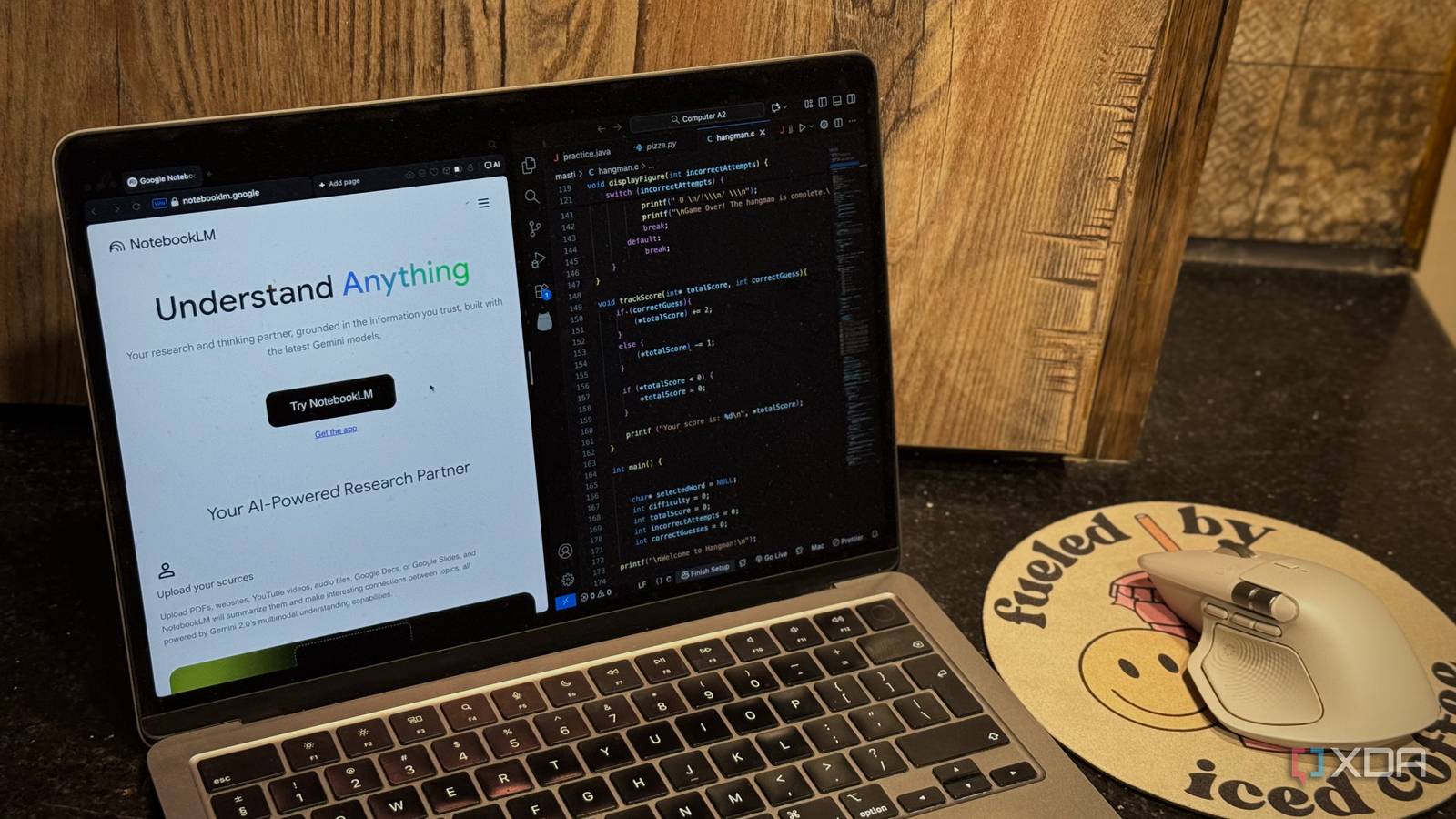
Though Google’s NotebookLM is advertised as a personalized research assistant, I’ve used it for all sorts of tasks. I mean, why not? Who’s to say a tool designed to help you organize and understand information can’t also make different parts of your life easier, beyond just research?
Sure, I use the tool for the basic tasks you’ve likely seen others using, like cramming for an exam, finding connections across different documents by generating mind maps, or keeping track of lecture notes. But I’ve also found ways to use NotebookLM for entertainment, like watching TV shows, reading entire books, and even creating mini-tech guides for my grandparents!
A couple of days ago, it hit me: I’m a CS major — why am I not using NotebookLM to make my programming workflow easier too? So that’s exactly what I’ve been doing lately! Here are a few ways I’ve used NotebookLM for programming.
To keep track of and study my algorithms
All my programming notes, finally organized
As I mentioned above, I’m a CS major, and a lot of my classes involve writing out lines and lines of code. Though I do a lot of problem sets and LeetCode challenges, when I’m practicing my coding skills at home, we typically focus on learning and implementing different algorithms in class.
With how many algorithms the professor tends to cover, organizing every single one of them, and keeping track of what each piece of code does, can get overwhelming. I’m also an extremely unorganized person during class, so my files often end up with generic names like classTwoCode or assignment1. Finding a specific algorithm later can be a real headache, especially when you don’t remember exactly what you named the file or where you saved it.
The beauty of NotebookLM is how easy it makes finding anything from sources you upload. It’s a source-grounded tool, meaning you can ask it to find something from your own notes, code files, or documents, and it will point you directly to the relevant section.
NotebookLM also includes clickable citations, meaning you won’t have to spend time manually tracking down where the tool got the information from. I have a notebook dedicated to my programming courses every semester, and I simply upload all the code we cover in class as soon as we finish it. When I want to study, I don’t head to my IDE.
Instead, I head to NotebookLM and I simply type a description of the algorithm or concept I want to review in plain language. It quickly finds the relevant code, highlights the section, and even lets me ask follow-up questions to clarify logic.
So, for instance, say I’m currently studying search algorithms in class, and I want to revisit how bubble sort or binary search works. Instead of scrolling through folders or opening multiple files, I can just type something like “the algorithm that compares elements and swaps them if they’re out of order”, and NotebookLM instantly pulls up my bubble sort code.
This might not sound like a major deal, but when you’re juggling multiple classes and hundreds of lines of code, it saves a lot of time and mental effort.
It helps out with code optimization too
NotebookLM beats ChatGPT and Gemini here
By reading the heading alone, you’re probably thinking — why would you ever use NotebookLM for this? But trust me, I have my reasons. As I mentioned above, what makes NotebookLM so unique is its ability to only reference the sources you’ve uploaded.
It uses its intelligence to understand what you’re saying and give you the necessary information, while ensuring everything it tells you actually comes from your own material. That means no made-up explanations or unrelated examples.
If you’ve ever sent your own code to an AI tool like ChatGPT or Gemini and asked it to improve, fix, or optimize it, you’ve probably noticed it often changes half your code, even when you didn’t ask it to. NotebookLM, on the other hand, doesn’t do that. It respects your original work and focuses solely on helping you understand it better. So, instead of rewriting or “fixing” your code, it explains what’s happening, line by line if needed, using the exact files you uploaded.
For instance, I uploaded a code file from a problem set I wrote earlier today, and the code was long (when it shouldn’t have been). I then asked NotebookLM to first explain the code to me and then optimize it. Here’s the best part: instead of optimizing my code itself, NotebookLM simply told me the improvements I could make. It explained my current implementation along with the optimizations it suggested. When I asked it to simply send me the optimized code, here’s the response I got:
However, I must draw strictly on the information provided in the sources. The source material only contains the original, unoptimized version of the Python script. It does not provide the code implementation for the optimized functions we discussed.
This is exactly why NotebookLM is such a great tool for code optimization. It teaches you how to optimize instead of just doing it for you. Most AI tools instantly rewrite your code, often changing logic, structure, or even variable names, leaving you with something that works but doesn’t feel like your code anymore. NotebookLM takes the opposite approach.
To learn a new programming language
The smarter way to learn a new language
As I mentioned above, NotebookLM is an excellent tool for studying and learning new material. So, there’s simply no way I wouldn’t use it to learn a new programming language. Before NotebookLM existed, I’d spend hours watching YouTube videos to understand the syntax of a new language and the different concepts that came with it. Now, I can learn the same amount of content (or more) in just half the time and focus more on actually implementing what I learn, and it’s all thanks to NotebookLM.
This summer, I used NotebookLM to learn Swift (a language I’d been meaning to try for a while). I simply dropped all the sources I’d normally use to learn the language, like YouTube tutorials, web articles, and documentation, into a single notebook. I then asked the AI any and every question I had about the language and even briefed it on my programming experience so it could tailor explanations to my level. This made the entire process feel more like an interactive tutoring session than self-study.
Of course, all the above applied here too. I could drop code I had written and ask NotebookLM to walk me through it, explain what a specific function did, or even help me identify which part of my logic was inefficient. It helped me connect syntax, logic, and real-world applications much faster than if I were just watching tutorials or reading static documentation. Since I was very selective about the sources I uploaded, I didn’t have to worry about getting conflicting or unreliable information.
Understanding complex documentation
Finally, documentation that makes sense

Similar to using NotebookLM to learn a programming language from scratch that I’ve not worked with at all before, I’ve also been using the tool to understand complex documentation. For instance, I’ve been trying to create a Chrome extension, and I got tired of manually reading through document after document.
So, I uploaded all the official documentation into a notebook and started asking NotebookLM specific questions. It’s made the entire process so, so much quicker.
Since NotebookLM includes clickable citations next to each claim it makes, I can quickly jump back to the original source whenever I need to double-check something. NotebookLM’s incredible learning tools like Mind Maps and Audio Overviews only make the process smoother.
I wish I’d used NotebookLM for programming sooner
I’ve done all sorts of weird experiments with NotebookLM, but for some reason, it took me this long to realize just how powerful it can be for programming. And now that I have, I can’t imagine learning or coding without it.
link