I used NotebookLM to learn about Python and I should have sooner
Learning a programming language usually involves staring at documentation until your eyes glaze over. But what if you could turn those dry technical PDFs into an engaging conversation? That is exactly what I have been doing with Python and NotebookLM.
Instead of just reading about lists, dictionaries, and loops, I’m using NotebookLM’s AI power to change my approach to learning Python. It changed my Python library into a learning engine, and looking at how much progress I have made in just one week, I’m kicking myself for not doing this earlier.

Current workflow with learning Python
The boredom factor

For the longest time, my relationship with Python has been tricky. It usually started on YouTube. I would find a highly-rated course like ‘Master Python in 4 hours,’ grab a coffee, and sit back. I would watch the instructor effortlessly explain variables, loops, and logic.
As I watched, it all made perfect sense. I felt productive. I felt like I was learning. But the second I closed the video and opened a blank VS Code window, my mind went blank.
I would refer to the video again, read the documents, and try to understand the topic better. Technically, this is the right way to learn, but practically? It was a nightmare.
Python documentation is thorough, but it is also dry, dense, and academic. Reading about decorators or lambda functions in raw text format felt like trying to learn a new language by reading a dictionary.
I would find myself staring at a paragraph for twenty minutes, re-reading the same sentences. I was basically stuck between Python tutorials and the boredom of text-based study. I needed a middle ground, and I didn’t find it until I started using NotebookLM.
Using NotebookLM as a grounded tutor
It only knows what you feed it

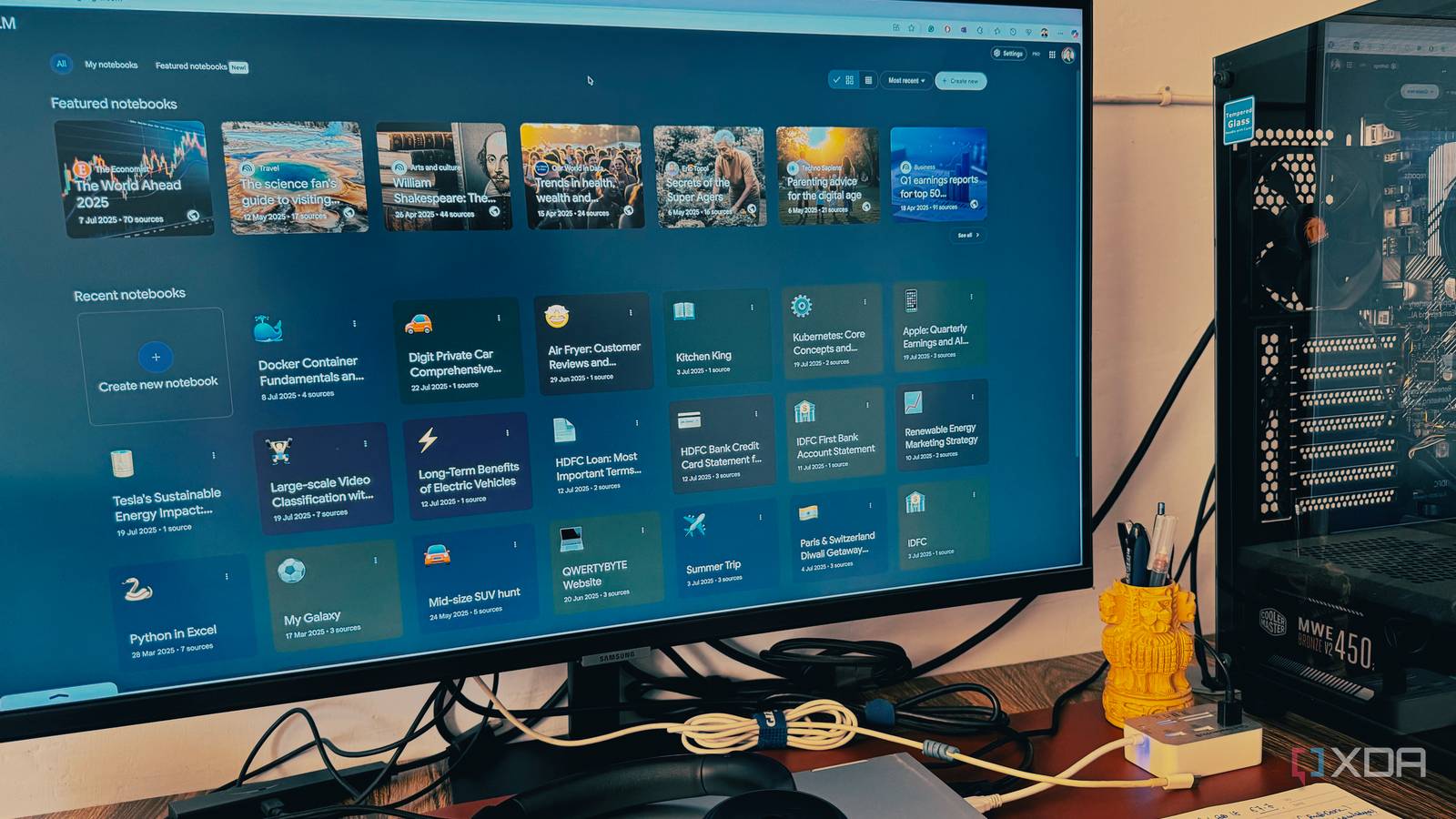
So, I tried something different. Instead of fighting through the PDFs or blindly copying code from a chatbot, I created a new notebook in NotebookLM and dragged in the official Python documentation and two of my favorite YouTube videos.
And since NotebookLM supports Markdown files, I even uploaded my personal Python-related files from my Obsidian vault. The entire process just takes a few minutes, and the notebook is ready to utilize.
If you have used ChatGPT to learn to code, you know the risk. It will sometimes create libraries that don’t exist or provide incorrect syntax. Things can go south.
With NotebookLM, the AI only looks at the documents I uploaded. If I didn’t trust the explanation, or if I just wanted to see the full context, I could click a citation and jump instantly to the exact paragraph in the official documentation where the information lived.
Suddenly, I wasn’t chatting with an AI; I was having a conversation with my specific study materials. It turned out to be a free tutor who knew exactly what I was trying to follow.
Practical use cases
Killer features from NotebookLM
Here is where the magic starts to unfold. Instead of opening a Google search or asking a generic chatbot, I go straight to my Python notebook. Because it’s grounded in the official Python docs and textbooks I chose, I can ask highly specific questions with complete confidence in the answer.
Here are the kinds of questions I can ask in my notebook.
- Explain the difference between a tuple and a list
- Create a timeline of the main features introduced between Python 3.8 and Python 3.12
- Which Python libraries can I use in Microsoft Excel?
- Generate a quiz for me on Python’s Object-Oriented Programming.
- Which specific Python libraries and functionalities enable the most significant Excel data improvements?
NotebookLM goes beyond basic Q&A sessions. With one click, I could transform the entire 500-page Python handbook I uploaded into an engaging, two-host podcast.
Instead of trying to force myself to sit down and read, I can hear the AI hosts discuss the nuances of GIL or the architecture of asyncio.
One final, huge benefit is that once I build this comprehensive, structured Python resource, I can share the entire notebook with others.
This isn’t just sending a bunch of files; I’m sharing the entire learning material. I can give it to a friend or a colleague and allow them to read all my uploaded sources, review all the quizzes, and let them chat with a NotebookLM tutor themselves.
This means my personal success can instantly become someone else’s powerful, trusted study guide.

Until NotebookLM, I never believed AI could be this game-changing for productivity
It transformed my view of AI, for the better.
Don’t waste hours on YouTube
If you are sitting on a pile of unread documentation or feeling stuck in your own coding journey, take this as your sign to try something different. You don’t need to overhaul your entire workflow overnight.
Just take one complex Python guide, upload it to a notebook, and hit the ‘Audio Overview’ button. It bridged the gap between collecting resources and actually understanding them. If you have been putting off learning Python because it feels like too much work, give this workflow a shot.
Aside from Python, I also use NotebookLM to learn about Docker.
link